How to Use Google Pay for Online Casino Payments in the UK
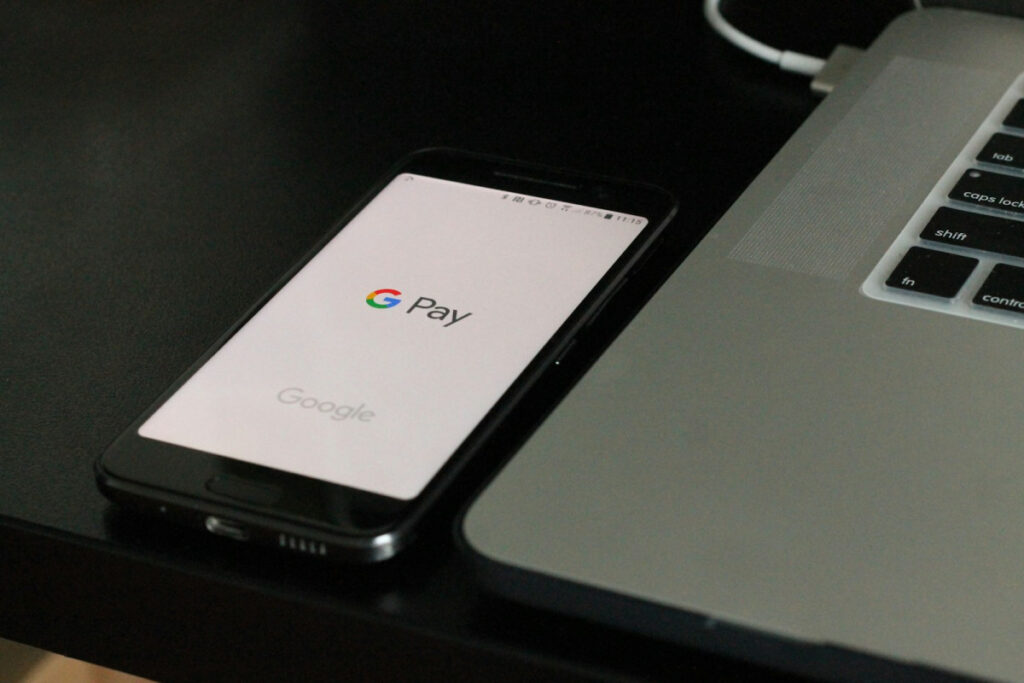
Google Pay has quickly become one of the most convenient ways to handle online transactions, and the UK online casino industry has taken notice. This digital wallet allows players to make quick, secure payments without repeatedly entering card details or banking information. For casino players, this means faster deposits, enhanced security, and a streamlined payment experience that works seamlessly on mobile devices.
The appeal is clear. Google Pay uses advanced encryption and tokenisation to protect your financial information, meaning your actual payment details are never shared with the casino. Transactions are typically instant, getting you into the action without delay. Plus, with biometric authentication through fingerprint or face recognition, you’ve got an extra layer of security that traditional payment methods simply can’t match.
Due to this increased popularity, more casinos are starting to implement it within their payment methods. For example, players can now find a range of online casinos that accept Google Pay at Gamblermaster UK. This site makes it easy to compare UK casinos that accept Google Pay deposits and withdrawals so players can get started quickly.
In this article, we will walk you through everything you need to know about using this method for casino transactions in the UK.
Setting Up for Casino Use
If you already have Google Pay set up on your device, you’re ready to go. There are no additional steps required specifically for casino use so you can get started straight away.
If you’re new to it, getting started is straightforward. First, you’ll need to download the Google Wallet app to your device. Once installed, open the app and follow the prompts to add a payment method. You can link either a debit card or a bank account to your Google Wallet in the UK.
However, an important point for UK casino players is that credit cards cannot be used for online gambling transactions. This applies whether you’re using Google Pay or paying directly. Make sure you’re adding a debit card or linking your bank account instead. Most major UK banks are compatible, including Barclays, HSBC, Lloyds, NatWest, and Santander, amongst others.
After adding your payment method, you’ll need to verify your identity. This usually involves confirming your phone number and, depending on your bank, you might need to verify the card through your banking app or via a text message code. Once verified, it is ready to use immediately.
The setup process typically takes less than five minutes, and you only need to do it once. From that point forward, all your casino transactions can be completed with just a fingerprint scan or face recognition.
Making Your First Casino Deposit with Google Pay
Depositing funds into your casino account using this option is refreshingly simple. Here’s how the process works:
- Log in to your casino account and head to the cashier or banking section. This is usually found in the main menu or your account settings.
- Select Google Pay as your payment method from the list of available deposit options.
- Enter your deposit amount. Most UK casinos have minimum deposits of £10, though this can vary with many of the top casinos offering lower amounts. Some casinos may have maximum deposit limits too, often around a few thousand pounds per transaction.
- Confirm the transaction. You’ll be directed to authenticate the payment via your fingerprint, face recognition, or PIN, depending on how you’ve set up your device security.
- Wait for confirmation. The funds should appear in your casino account within seconds, and you’ll typically see a confirmation message.
That’s it, the entire process should take less than 30 seconds once you’ve entered the amount. There’s no need to input card numbers, CVV codes, or billing addresses each time. That’s all handled securely in the background.
Withdrawing Your Winnings to Google Pay
When it comes to cashing out, the process works slightly differently from depositing. For starters, not all UK casinos allow withdrawals to be processed via Google Pay, so it’s important to check this before playing.
When withdrawals are available, the process is straightforward:
- Navigate to the withdrawal section of your casino account, usually found in the same cashier or banking area where you made your deposit.
- Select Google Pay as your withdrawal method. It will only be available if the casino accepts it and if you’ve previously used it to make a deposit.
- Enter the amount you wish to withdraw. Remember that most casinos have minimum withdrawal amounts, typically around £10 to £20.
- Submit your request. Unlike deposits, withdrawals aren’t usually instant. UK casinos are required to conduct security checks before processing payouts.
- Wait for processing. Withdrawal times vary by casino but typically take around 24 hours.
Once approved, the funds will be transferred to the debit card or bank account linked to your wallet. You’ll often receive the money soon after, sometimes within a few minutes.
With Google Pay now set up and ready to use, you’ve got a fast, secure payment method that takes the hassle out of casino banking. The authentication process keeps your transactions safe, whilst the speed means you can focus on enjoying your favourite casino games.