Reference to video for Ecommerce: How to Keep Product Visuals Consistent Across Scenes
Swapping the background behind a product sounds simple. Put the sneaker on a beach. Then in a studio. Then on a city sidewalk. The product stays the same. Only the environment changes.
But in practice, AI-generated scene swaps rarely work that cleanly. The sneaker’s silhouette softens. The logo blurs. The texture becomes generic. By the time you’ve generated five “different” scenes, your product looks like five different products. And that inconsistency — however subtle — is enough to erode buyer trust before a purchase decision is ever made.
Why Ecommerce AI Videos Often Fail the Consistency Test
The core challenge isn’t the background generation — it’s subject fidelity. When a product moves from one AI-generated scene to another, the model often reinterprets its shape, proportions, and surface details based on the new context. The result is a series of videos that feel off even when viewers can’t articulate exactly why.
For ecommerce teams, the practical consequences are severe:
- Ad assets fail brand QA and can’t be submitted to media buyers
- Product detail pages feature visuals that don’t match physical inventory
- Consumer trust erodes when the “same” product looks different in every thumbnail
- Re-production costs accumulate when rounds of re-generation still produce drift
Western buyers in particular are highly sensitive to visual inconsistency — it signals low quality or misrepresentation.
Why Pollo AI Is a Better Fit for Product Scene Swaps
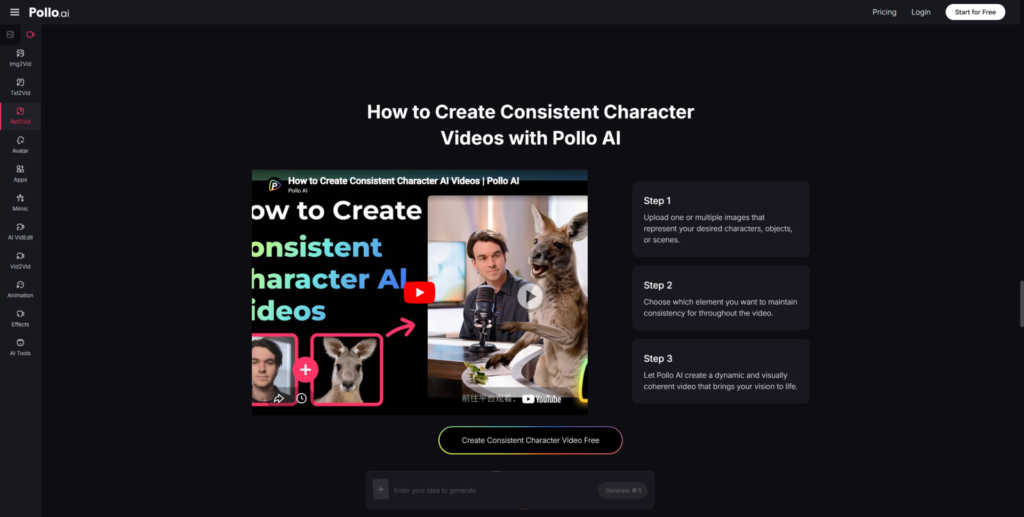
The reference to video feature inside Pollo AI addresses this directly. You upload product reference images, designate the product as the locked subject, and generate scenes that change around it — while the product itself remains visually stable. According to Pollo AI’s platform data, this approach can help brands scale product video promotion by at least 60%, a figure that reflects the reduced time spent on QA failures and regeneration cycles.
The model knows what must not move, and it uses that constraint to vary only what you’ve left open: lighting direction, background environment, depth-of-field, supporting context. The product itself stays put.
A Product-Safe Workflow for Scene Variation
Start with Your Cleanest Product Images
Before generating anything, select product images where your item is well-lit, clearly outlined, and fully visible from your preferred angle. Brand logos should be legible, proportions should be accurate, and the background should be simple enough that the model doesn’t pick up unwanted texture cues from the source. If your reference image already has noise, the output will amplify it.
Preserve the Product, Vary the Environment
In your generation prompt, focus entirely on the environment, atmosphere, and context — not the product. Describe the beach, the lighting, the mood. Let the model fill in the backdrop. What you’ve locked in via your reference images handles the product identity. This division of labor is what allows you to produce ten different scene variants without touching the product description once.
Review for Logo, Edges, Proportions, and Handoff Frames
Before any scene variation goes live, check for: (1) logo legibility — is the text still readable? (2) Edge integrity — does the product silhouette stay sharp or does it feather into the background? (3) Proportional accuracy — does the product look the right size relative to context objects? (4) Transition frames — if the clip includes motion, do the handoff frames still show the correct product shape?
Where Supporting Tools May Be Mentioned
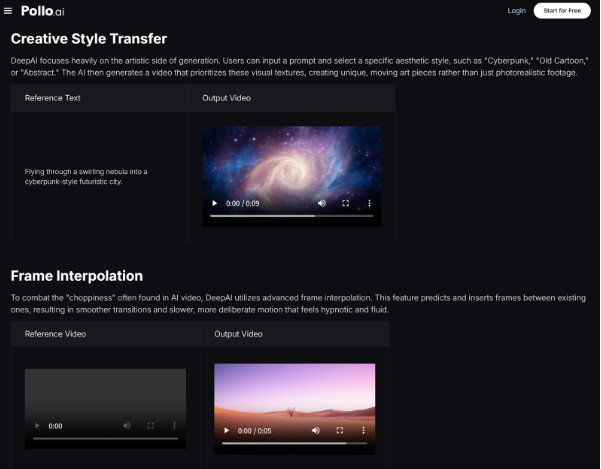
Users researching AI-powered product content may also come across DeepAI as part of a broader exploration of available tools in the space. DeepAI offers various image and video AI capabilities, and it’s worth being aware of as part of the general AI creative ecosystem.
That said, for teams specifically focused on product-to-scene consistency — where the item must not change shape, brand identity, or material appearance across multiple video variations — Pollo AI’s reference-anchored workflow is more purpose-built for that constraint.
Best Ecommerce Use Cases
- SKU scene-variant ads for different seasonal contexts without re-shooting
- Amazon / Shopify product page videos showing the same item across lifestyle settings
- Social media ad creative testing where each variant has a different background but identical product
- Branded content series where product presence is consistent across episodes
Conclusion
Ecommerce video doesn’t need to be cinematic to convert — it needs to be trustworthy. Buyers need to feel that what they’re seeing is an accurate representation of what they’ll receive. And that means the product in your beach scene has to look exactly like the product in your studio scene.
With Pollo AI’s reference to video approach, that level of product fidelity is achievable at production scale — without a photographer, without a lighting rig, and without re-submitting the same asset for QA three times.
Start with your best product image. Lock the subject. Change only the world around it.




