Building Smarter Offices Without Forgetting the Basics
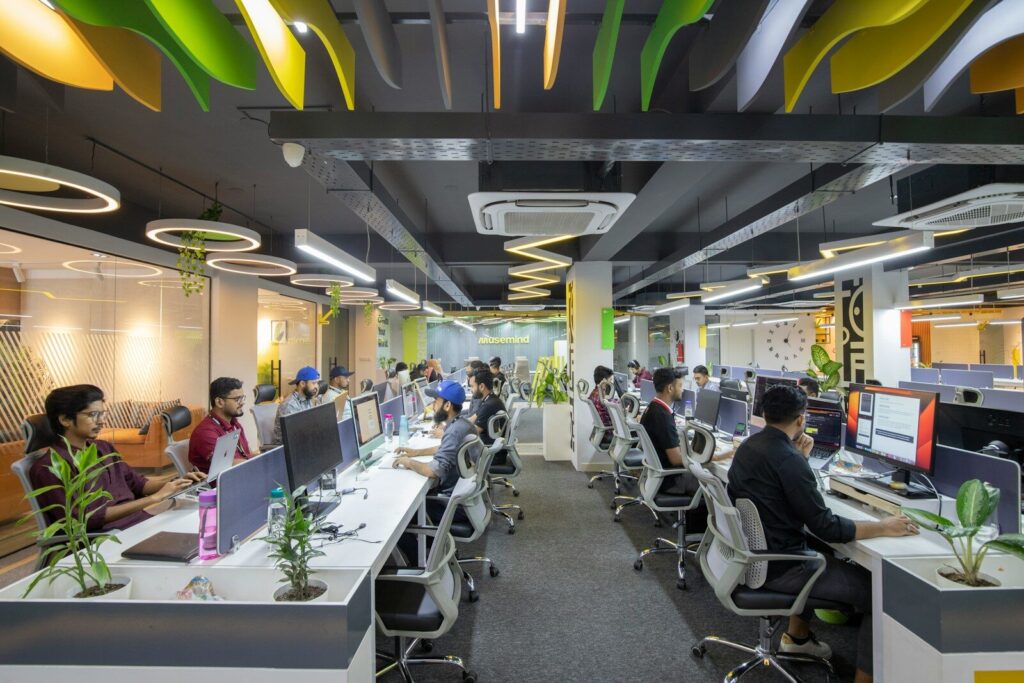
A smarter office is only effective when the everyday workplace experience already functions well. While organisations may be keen to invest in sensors, booking systems, access technology and workplace dashboards, these tools will only add value if they solve practical issues that staff and visitors genuinely encounter.
In many offices, the barriers to better use are often simple: unreliable meeting-room equipment, inconsistent temperatures, poor desk set-up, weak connectivity, unclear visitor processes or limited access to power. These issues can affect how people feel about the workplace long before they notice any advanced technology.
Before investing in new systems, organisations should review how the office performs in normal use. Smart technology works best when it supports comfort, efficiency and ease of movement, rather than being introduced as a separate feature that sits on top of unresolved day-to-day problems.
Listen Before Installing Anything
Start with staff complaints, helpdesk tickets and facilities logs. If people avoid one meeting room, find out whether the issue is noise, lighting, temperature, privacy or kit. A room-booking system doesn’t rescue a space nobody wants to sit in.
The best workplace tech gives better evidence for decisions. Tools that bring room booking into everyday workflow can reduce wasted space when they are matched to real behaviour, not imposed because the interface looks impressive in a demo.
Keep Comfort Out of the Blind Spot
The most advanced workplace dashboard is only as good as the systems behind it. Sensors may show that a room is overheating, but staff will judge the office by whether anyone deals with it. Cooling, ventilation, lighting and power need the same attention as the digital layer.
Before sensors start reporting on hot desks and underused rooms, organisations arranging air conditioning services in Reading can review cooling, ventilation, energy monitoring and staff comfort in one physical review. That makes the data useful because the building is capable of responding.
Make the Tech Easy to Use
Workplace systems fail quietly when they add work to busy days. A visitor screen that confuses guests, an access app that drains phones, or a meeting-room panel with too many steps will push people back to old habits.
Test new tools with the people who will use them most. A receptionist, office manager, new starter and occasional visitor may spot problems that the project team misses. Keep instructions short, make backup routes obvious, and remove tools that duplicate a process without improving it.
Use Data Without Making People Uneasy
Occupancy data can help businesses understand which spaces are busy, which rooms sit empty, and where cleaning or heating patterns need changing. Used well, sensors in key areas can help buildings respond to people rather than guess at demand.
The line between useful measurement and surveillance needs care. Staff should know what is being tracked, why it matters and who can see it. If the purpose is better comfort, safer spaces and less wasted energy, say so clearly and avoid collecting more personal detail than the job requires.
Fix the Office Experience End to End
A smart upgrade should make the day feel smoother from arrival to leaving. That means Wi-Fi, power points, working screens, clear signage, comfortable seats, good air, secure access and quiet space for calls. None of that sounds futuristic, but it decides whether people trust the office.
Treat technology as part of facilities, not a separate showcase. If staff can book a room, enter the building, connect to a call and work comfortably without asking for help, the office is becoming smarter in a way people actually notice.




