Scammers use real Microsoft links to take over business computers
Cybercriminals are using genuine Microsoft links to trick employees into handing over remote control of their computers, in a phishing campaign uncovered by cybersecurity company Huntress.
The scam abuses Microsoft Power BI, a popular data and reporting tool businesses use to share dashboards and charts. Because the links in the phishing emails lead to a real Microsoft web address, they can get past the email security filters designed to catch them and appear trustworthy to the person receiving them.
“Check before you click” has long been the cornerstone of security awareness advice. This campaign shows its limits: here, the link checks out.
How the scam works
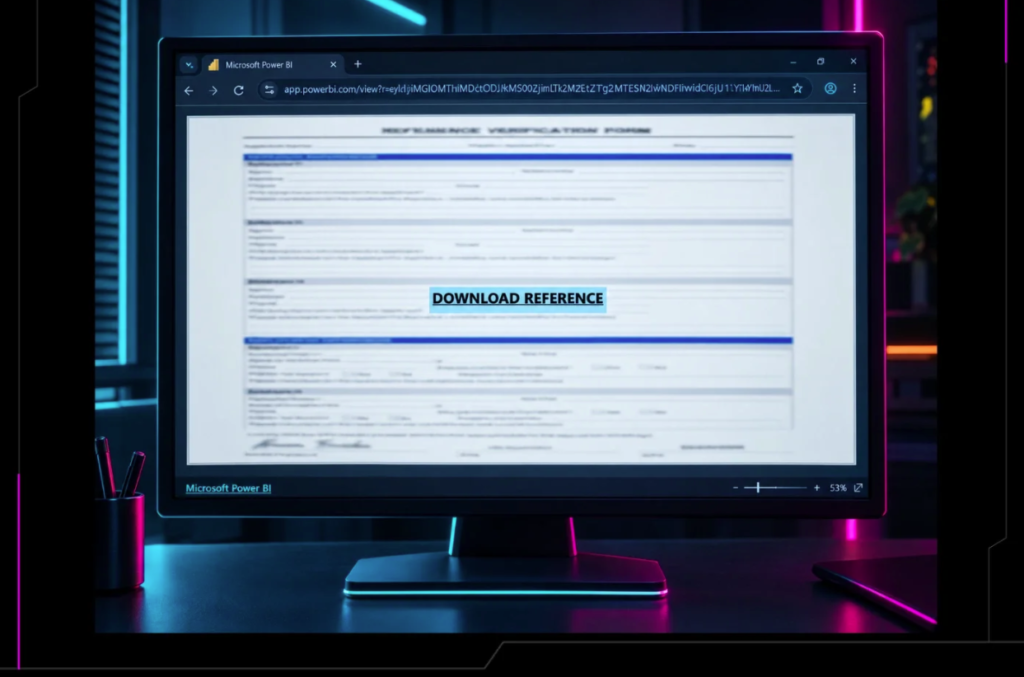
Victims receive an email containing a link to what appears to be a document hosted on Microsoft’s Power BI site. The page shows a blurred form and a button inviting them to “Download Reference”.
Clicking it opens a new browser tab to a website controlled by the attackers. Behind the scenes, the site checks who is visiting, filtering out security researchers and automated scanners so the scam stays hidden for longer. A few seconds later, a download starts automatically, while the page reassures the user that their “Reference Verification Form” has downloaded successfully.
In reality, the file installs ScreenConnect, a legitimate remote access tool widely used by IT support teams, but configured so that the attackers can control the machine.
A backup plan built in
The attackers did not stop at one way in. Huntress found they installed a second copy of the remote access software as a backup, so that even if one was spotted and removed, they would keep access. They also ran a tool designed to hide their activity from both the user and security software, and set up a task that tried to repair their access every two minutes.
Huntress first spotted the campaign on 10 September. A follow-up investigation linked the remote access setup to the campaign on 22 additional devices across separate incidents.
What businesses should do
Huntress recommends that organisations remind staff to be wary of unexpected downloads, even from trusted services, and make it easy for employees to report suspicious messages. IT teams should watch for remote access software they did not install, limit such tools to approved versions, and investigate any device found running more than one.
The full research is available on the Huntress blog: https://www.huntress.com/blog/screenconnect-power-bi




