Digital operations still depend on the humble screen
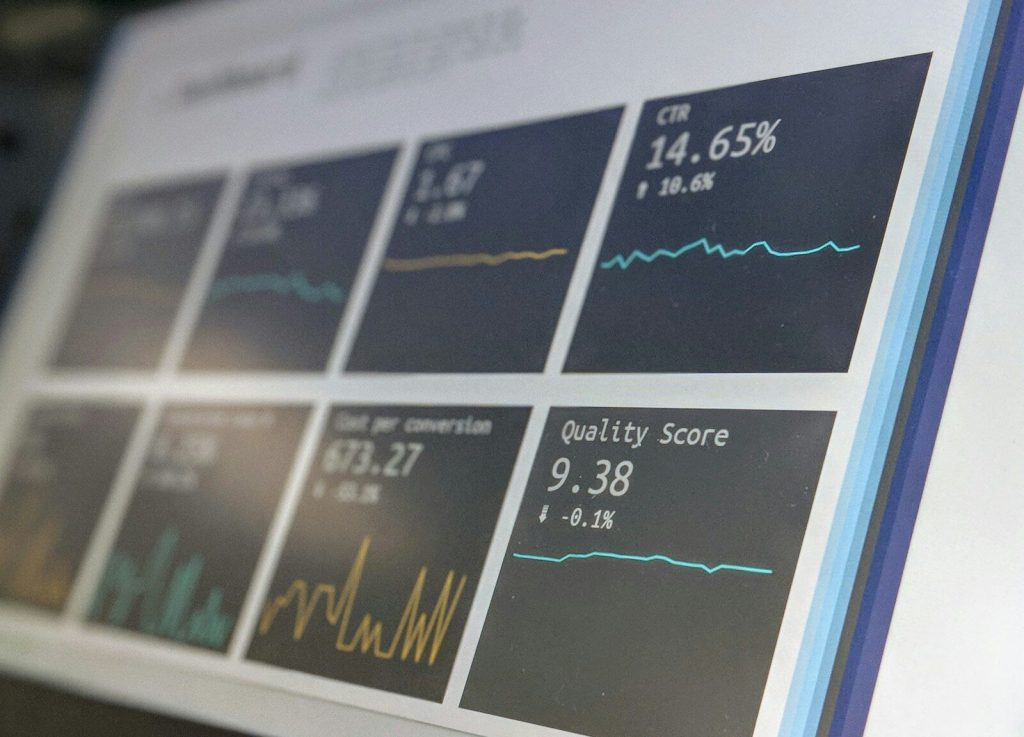
Talk about digital transformation tends to focus on cloud platforms and artificial intelligence. Yet most of that technology only becomes useful when someone reads the result on a screen. In warehouses and delivery vans, that screen is often the only point where people and systems meet.
As more processes go digital, the number of screens at work keeps growing. Paper job sheets give way to displays in vehicles, and whiteboards on the factory floor turn into live dashboards. Each of those screens has to keep running in places that look nothing like an office.
That has created a market for displays made for business rather than home use. Ranges such as Beetronics touchscreens are designed for professional and industrial settings, where a screen often stays on all day. Knowing what separates them from consumer devices helps teams plan their next digital project.
From paper to live data
The first step in many digital projects is replacing paper with live information. A screen on a production line can show orders and quality checks as they change. Operators no longer wait for a printed update, and supervisors spot problems sooner.
Touch input takes that a step further. Instead of only reading data, staff can confirm a task or report a fault at the point of work. That shortens the loop between what happens on the floor and what the system knows.
The same idea is spreading well beyond factories. Drivers check routes on screens in their cabs, and visitors sign in at self-service kiosks in reception. In each case the screen has become a working tool rather than a simple source of information.
Hardware that keeps up
Digital systems are expected to run all the time, so the hardware has to match. A consumer monitor is usually designed for a few hours of use per day. Put it on a busy line for every shift and it may age much faster than planned.
The environment counts just as much. Dust and vibration are normal in many workplaces, and bright light can make a standard screen hard to read. Professional displays are built with such conditions in mind, so they stay usable where office equipment struggles.
There is also the question of how long a model stays on sale. Digital projects often grow in phases, and a second phase may follow years after the first. Choosing screens whose parts remain in supply means the new units match the old ones.
Planning screens into the project
Screens often end up as the last item on the project list. By then budgets are tight and the temptation to pick the cheapest option is strong. Including them early leaves time to test models in the real workplace before a large order is placed.
A short pilot is usually the best test. Put a few units where they will be used and ask the people who work with them for feedback. Small issues with glare or touch response tend to show up within weeks.
Finally, think about support. When dozens of screens are spread across sites, a supplier with specialists who give practical advice saves the IT team time. It also helps to know who to call when a unit needs replacing, so one fault does not hold up the wider system.




