Life Expectancy of IT Storage Components: SSDs, HDDs, and Flash
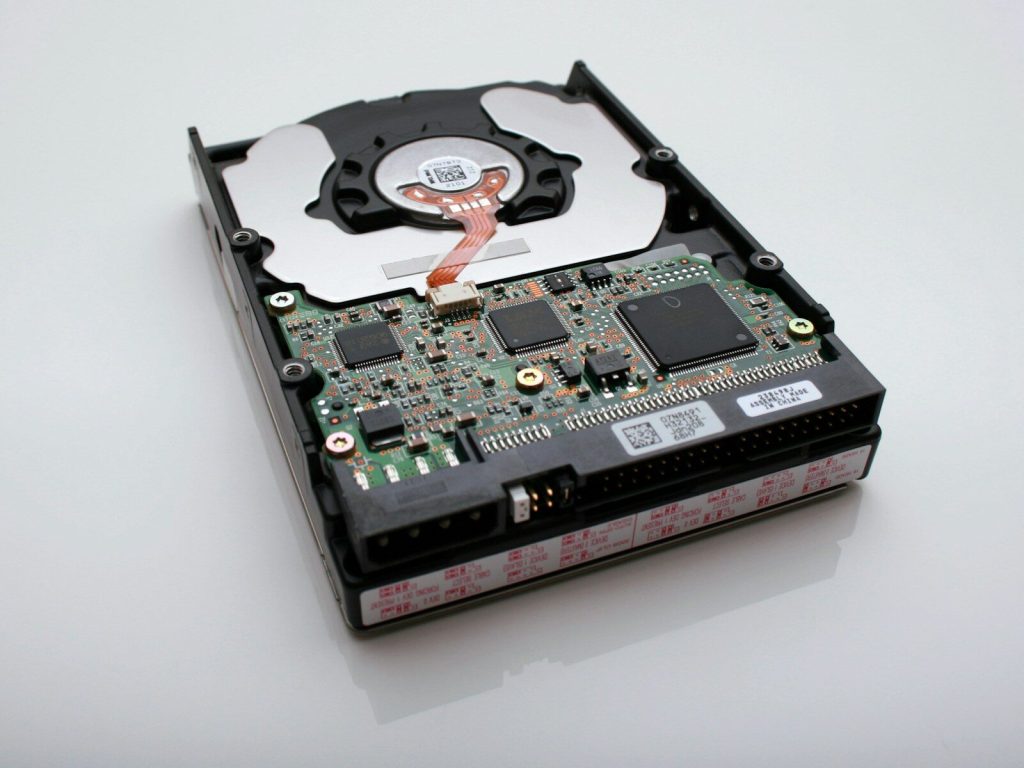
Most IT technicians have seen a client bring a storage drive from home and say ‘It was fine for eight years.’ When the technician connects it, there happens to be no sound. The drive held on for many years of family photos, invoices, and important spreadsheets but now its time has come, and suddenly the hapless owner cannot believe that storage is immutable.
Truth is, nothing lasts forever, and those drives inevitably stopped working. That said, experts at Tech Atlantix have shown that drives of all types can be processed to extend their usability. However, for regular users, it is helpful to first understand how drives wear down.
How Long Spinning Hard Drives Really Last
Hard disk drives are mechanisms with spinning platters, read heads hovering a fraction of a hair’s width away, and a motor humming along for several years. Then, one day, physics catches up with them.
A rough estimate for the average lifespan of a hard disk drive is three to five years before failures start occurring. Some will last much longer than that, and some will surprise you and quit working before then.
There is no magic number, but real-world measurements help. Backblaze publishes their internal drive stats as a useful resource, and the annualized failure rate for their 340,000+ drives is about 1.39%. Not a staggering number, but that doesn’t help when their failing drive is your own prized possession.
Heat and vibration take a toll on drives, too. The drive in your dusty PC cabinet has a different set of challenges than one mounted in a rack-mounted server with its own cooling fans. The physical environment the drive is in has a significant impact on its lifespan.
SSDs and Flash: Wear, Not Wreckage
Unlike hard drives, solid-state drives have no moving parts. They have integrated circuits, sensors, and flash memory, but no place for them to move around. This seems like an advantage, but flash memory has its weakness: endurance.
Each flash cell has a limited number of program/erase cycles before it stops functioning. SLC cells generally outlast QLC cells, and most consumer-grade drives use TLC cells for the best combination of performance and price.
The manufacturers’ specifications for each drive’s endurance are usually expressed in total terabytes written (TBW). For the average consumer device, that’s a lot of data to fill up, and it could take a decade of regular use. Someone editing videos or running large databases will see this number pass much faster.
USB sticks and SD cards need their own warning. They use cheaper flash and simpler controllers, so treat them as transport, never as your only copy. Unpowered flash also leaks charge slowly, which means a stick forgotten in a drawer for years can lose its contents.
Making Your Storage Last Longer
Even though you can’t stop time, there are some measures you can take to prolong your storage devices’ life. Keep them cool, and don’t drop them. That’s all pretty obvious, but an overlooked threat to their existence is the power coming from your wall.
A large voltage spike can fry a drive instantly, so a good surge protector can be a wise investment for any system or drive with sensitive electronics. Some common-sense actions can greatly extend your storage devices’ lifespans:
SMART health checks every month or so will let you know if something is starting to go wrong.
Replace hard drives every five years or so, or sooner if those health checks start showing concerning results.
- Check SMART health data once a month, because it often flags trouble before failure.
- Replace hard drives around the five-year mark, or sooner if warnings appear.
- Follow the 3-2-1 backup rule: three copies, two types of media, one stored offsite.
- Encrypt your drives, and wipe them properly before you retire them.
That last habit matters more than people think. Treat retirement as seriously as installation. A retired drive isn’t harmless, because deleted files can often be recovered with the right tools.
Time to Check Your Own Drives
Go check your drives. Not next week, but now. Find out their purchase dates and do a health check. How long has it been since you’ve done a proper test of your backups? Nobody wants to spend this much time thinking about drives, and that’s probably why so few of us do it regularly.
Every storage medium discussed in this article has one thing in common: an end date. Some have a longer expected lifespan than others, but they’re all finite. And just like with everything else mentioned, plan for the worst. Those photos, videos, and that important spreadsheet can wait for a few more years.